
Features
Features
The big things, quickly. Every setting and every small detail is explained in the wiki.
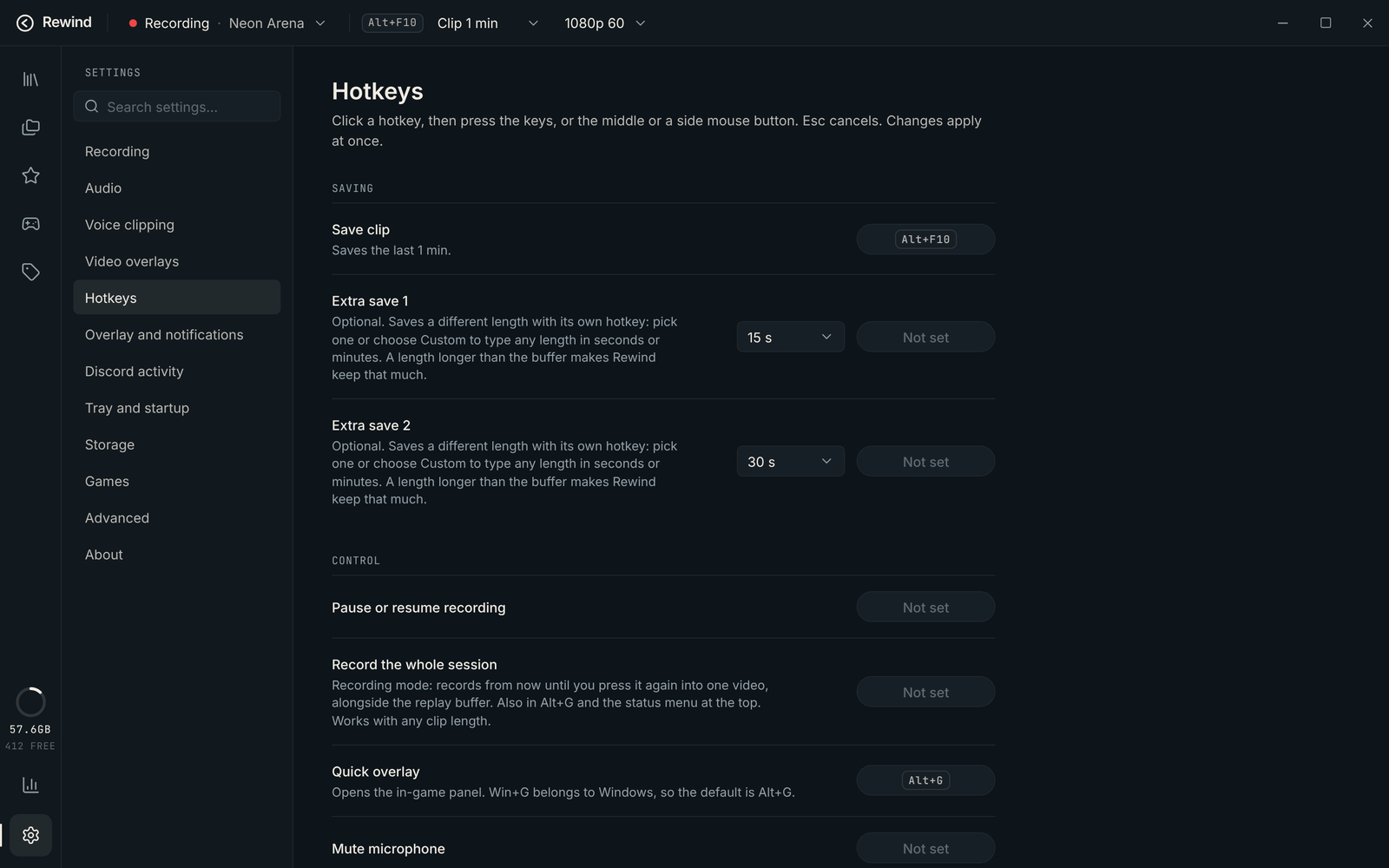
Instant replay
The clip is saved before you think of it
Rewind records in the background all the time. Press your hotkey and the last moments become a clip on your disk.
- Any length from 10 seconds to 5 minutes, 60 seconds by default
- Two extra hotkeys for other lengths, like 15 and 30 seconds
- A keyboard key or a side mouse button, read even in full-screen games
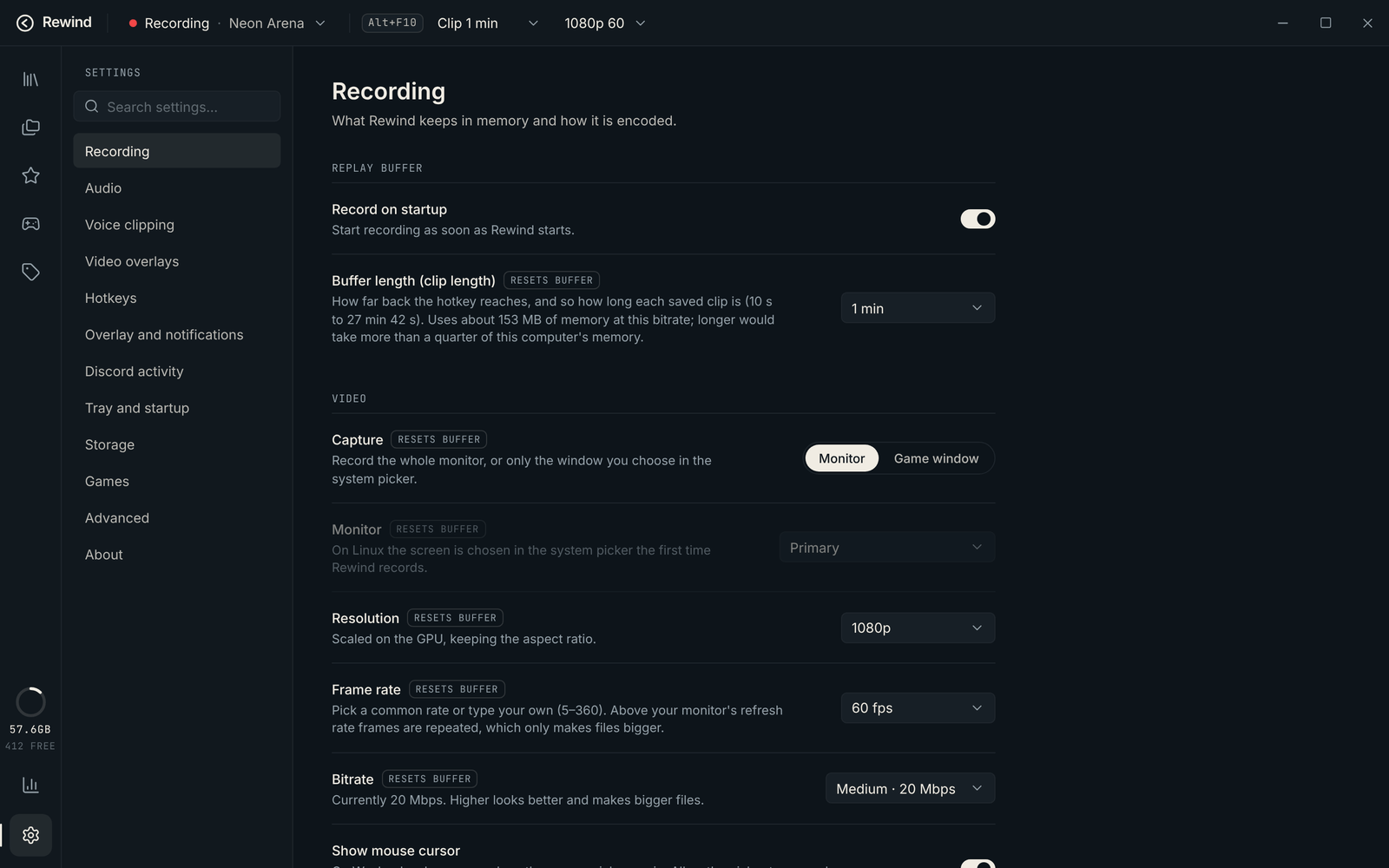
Capture
Everything, or only the game
Record the whole screen with every sound, or just the game window with its own audio. Press another key to record a whole session.
- Native, 1080p or 720p, at a common frame rate or your own
- The graphics card encodes the video, so your game keeps its frame rate
- Recording mode saves a whole session into one video, next to the replay
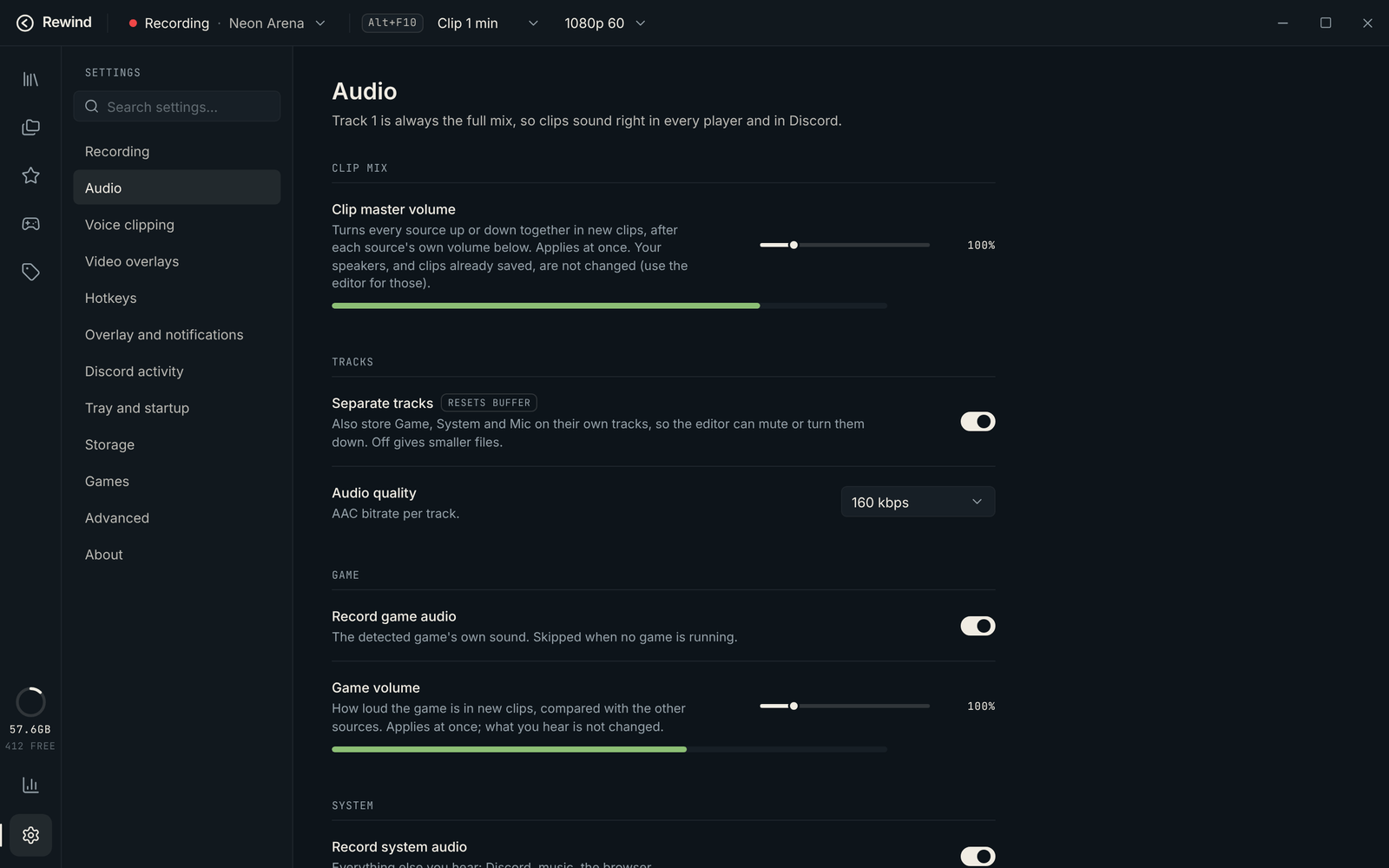
Audio
Every sound on its own track
Each clip keeps the game, the rest of your system and your microphone apart, plus a full mix that plays everywhere.
- Turn your friends down or your voice up later, in the editor
- Volumes per source, up to 500 %, and noise suppression for the mic
- Track 1 is always the full mix, so Discord and every player sound right
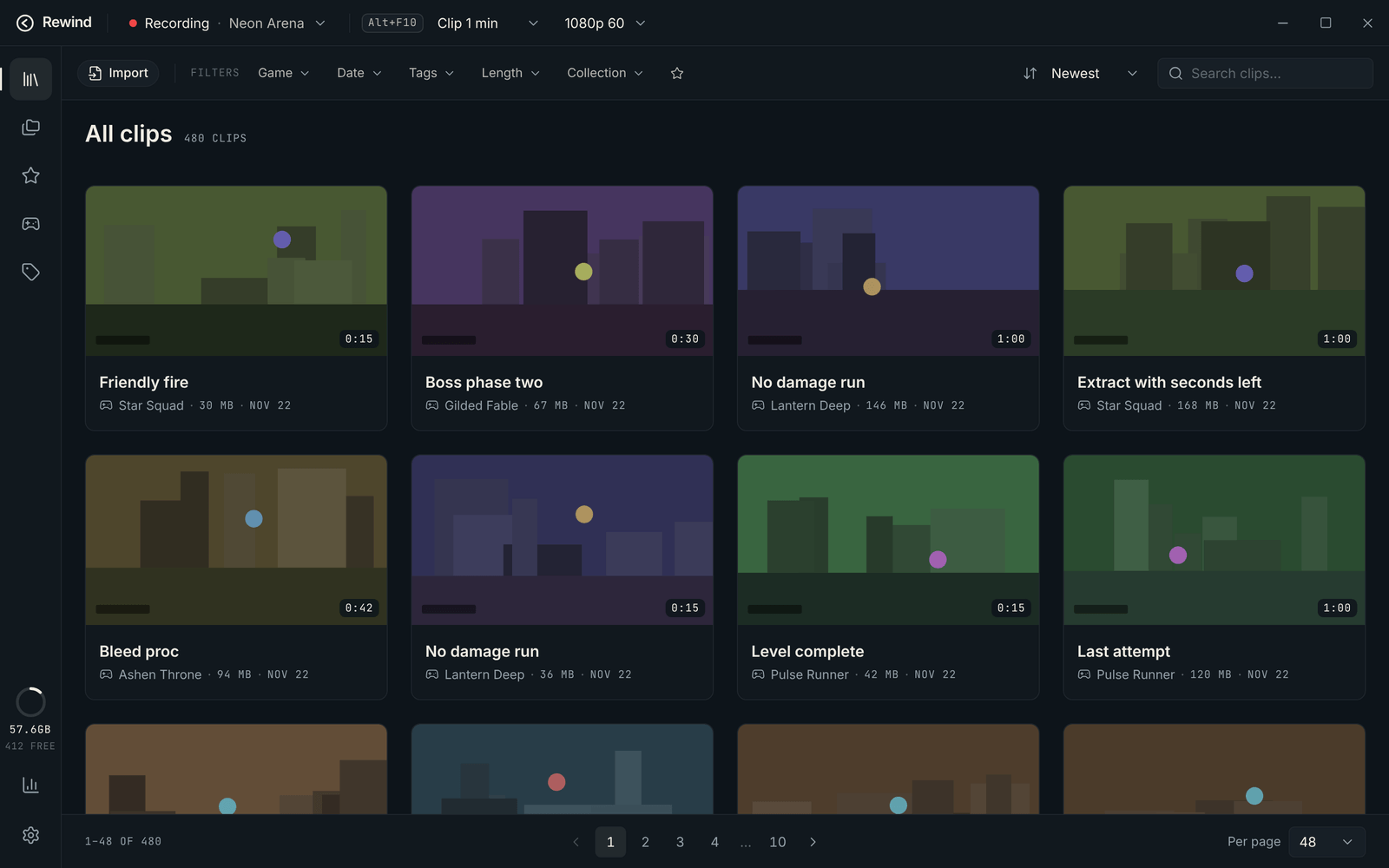
Library
A fast library, built in
Every clip in one place, grouped by game and date, with a preview when you hover.
- Search, and filter by game, date, length and tag
- Star your best clips and group them in collections
- Add folders of old clips: nothing is copied or moved
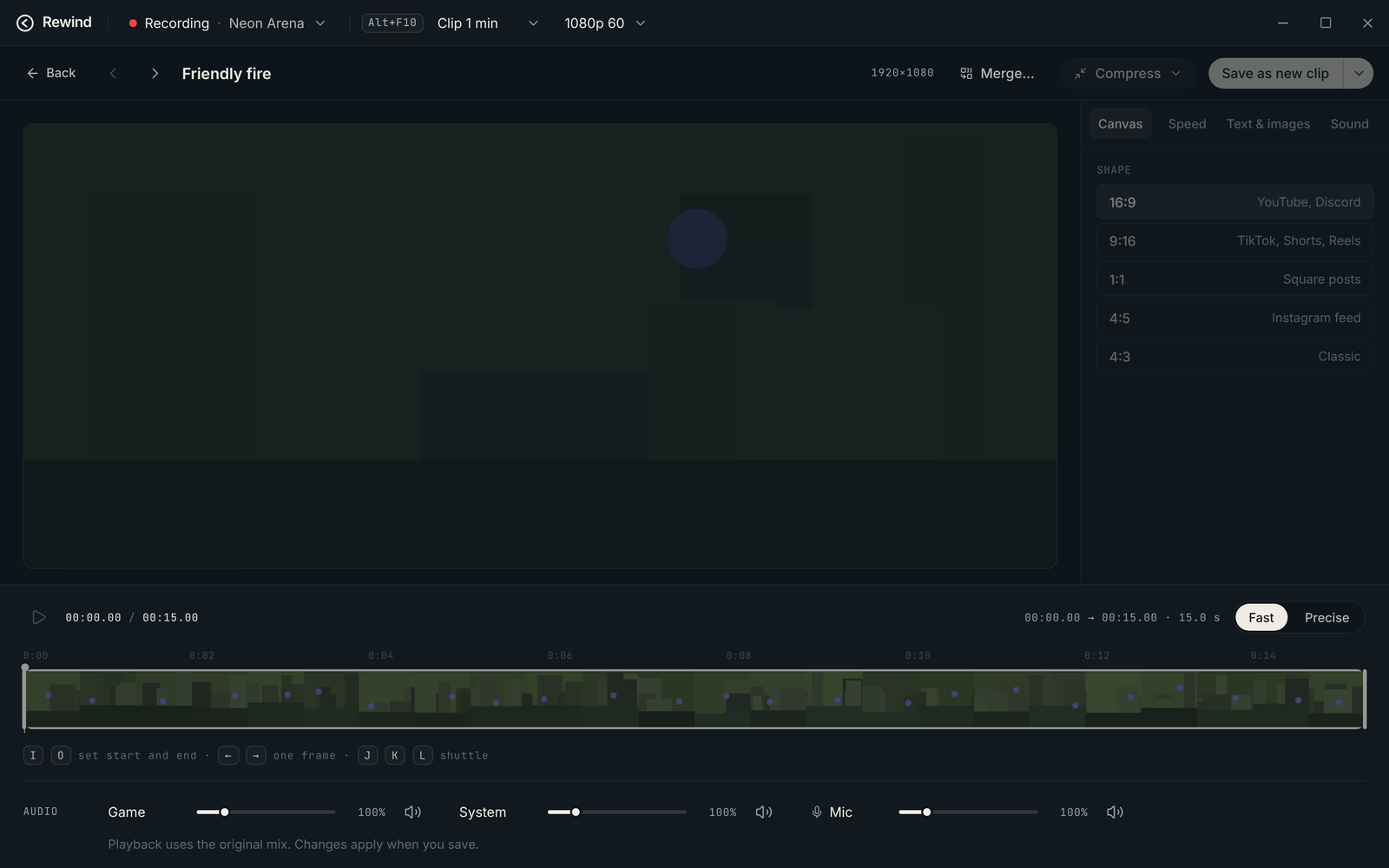
Editor
Edit without an editor
Trim a clip, shape it for where it goes, and export. No timeline skills needed.
- Crop to vertical or square for TikTok, Shorts and Reels
- Change speed, add text, pictures or music
- Shrink a clip under 20, 50 or 100 MB, so it fits on Discord
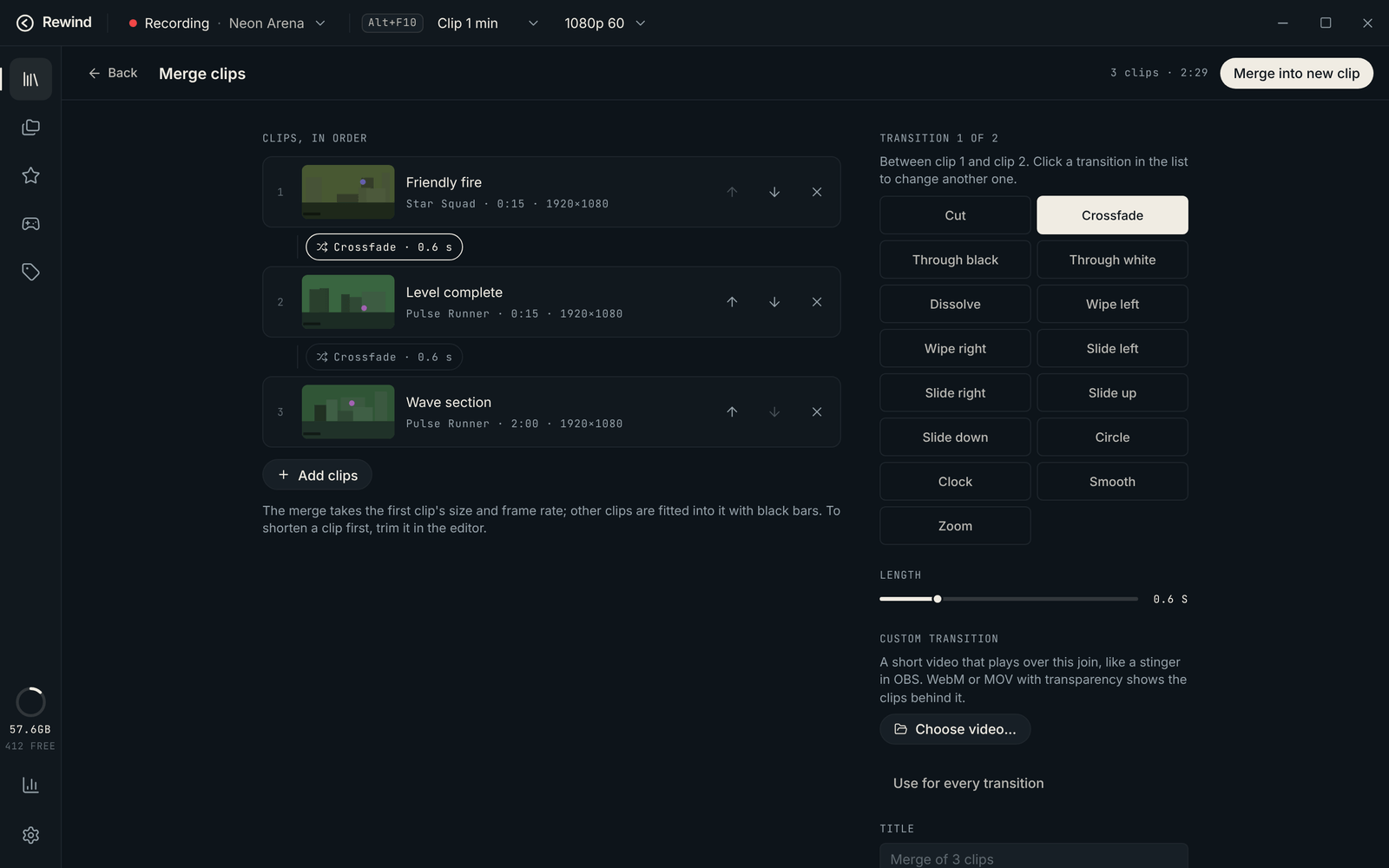
Merge
Several clips, one video
Pick clips in the library, put them in order and join them with a transition.
- Cuts, fades, wipes, slides and more, with the length you choose
- Your own stinger video as a transition, transparency included
- The result is a new clip; the originals stay as they are
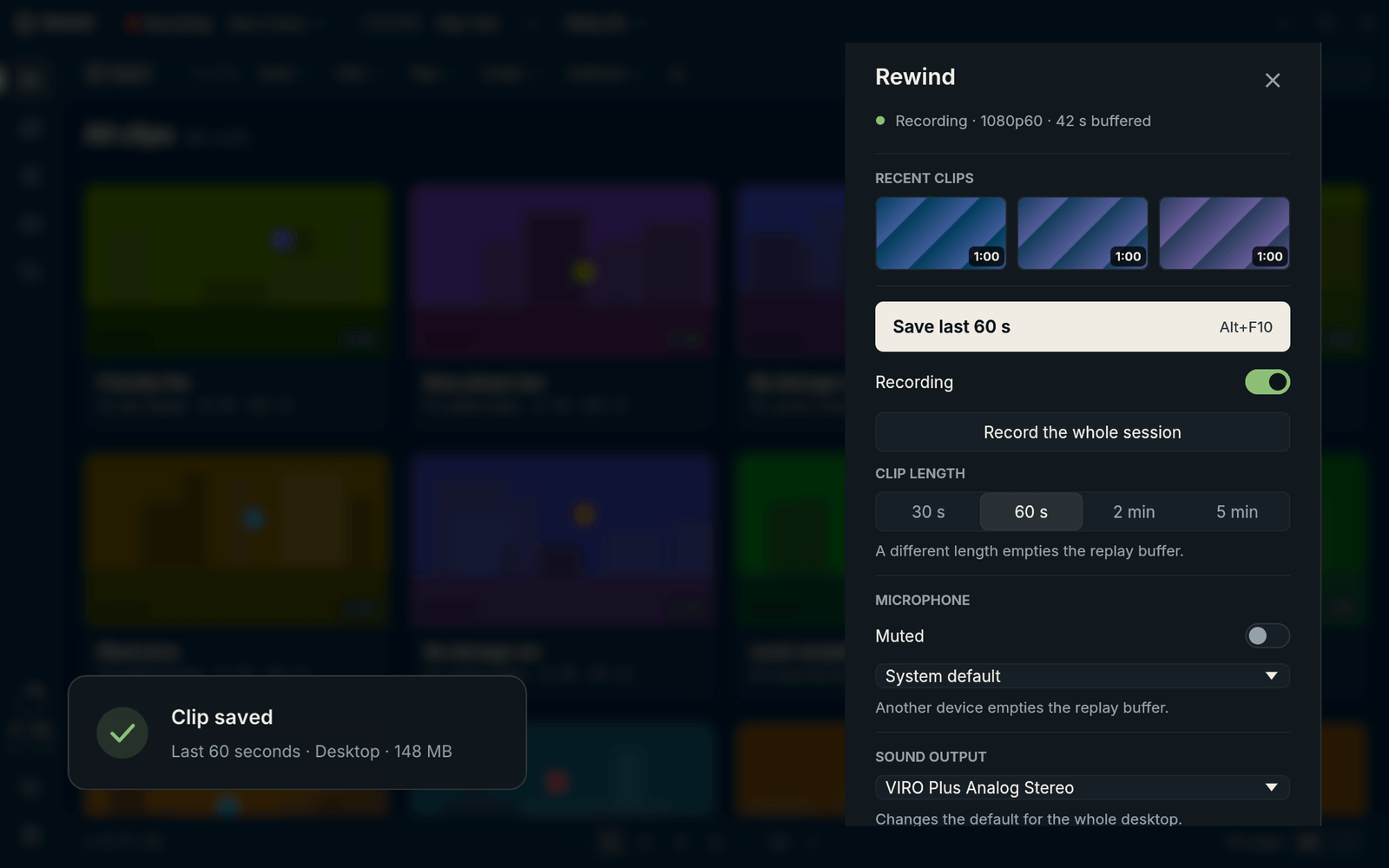
Overlay
Press Alt+G in game
A small panel over your game: no need to leave it to save, check or switch something.
- Your recent clips, and a Save button
- Turn recording or the microphone on and off
- Gone when you close it, and nothing runs in the background for it
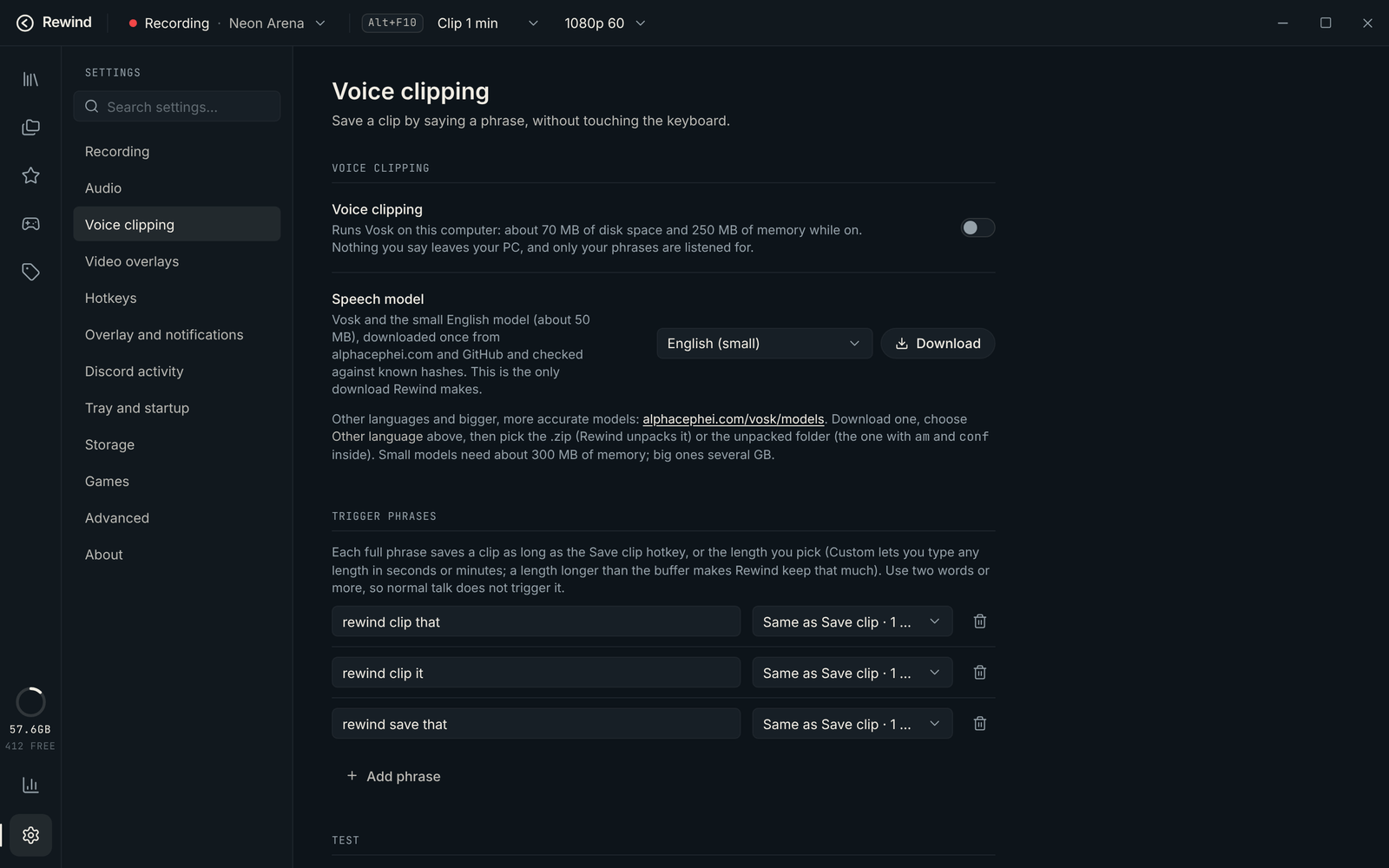
Voice
Say “rewind clip that”
Save a clip without your hands. Speech is recognised on your own PC and never sent anywhere.
- Your own phrases, in English or Polish
- Off until you turn it on; the speech model downloads only when you ask
- Works next to the hotkeys, in any game
And the small things
Each one has its own page in the wiki.
- Input overlayShow your keys, mouse or controller in clips.
- Discord activityShow the game you play and that Rewind records.
- Game detection and namingClips are named and sorted by game by themselves.
- Save notificationA small note and sound when a clip is saved.
- Tray and autostartStarts with your PC and waits in the tray.
- Favourites and collectionsKeep the best clips together, as folders on disk.
- Search, filters and tagsFind any clip in a second.
- WatermarkThe Rewind name in the first seconds of clips; Pro can turn it off.