
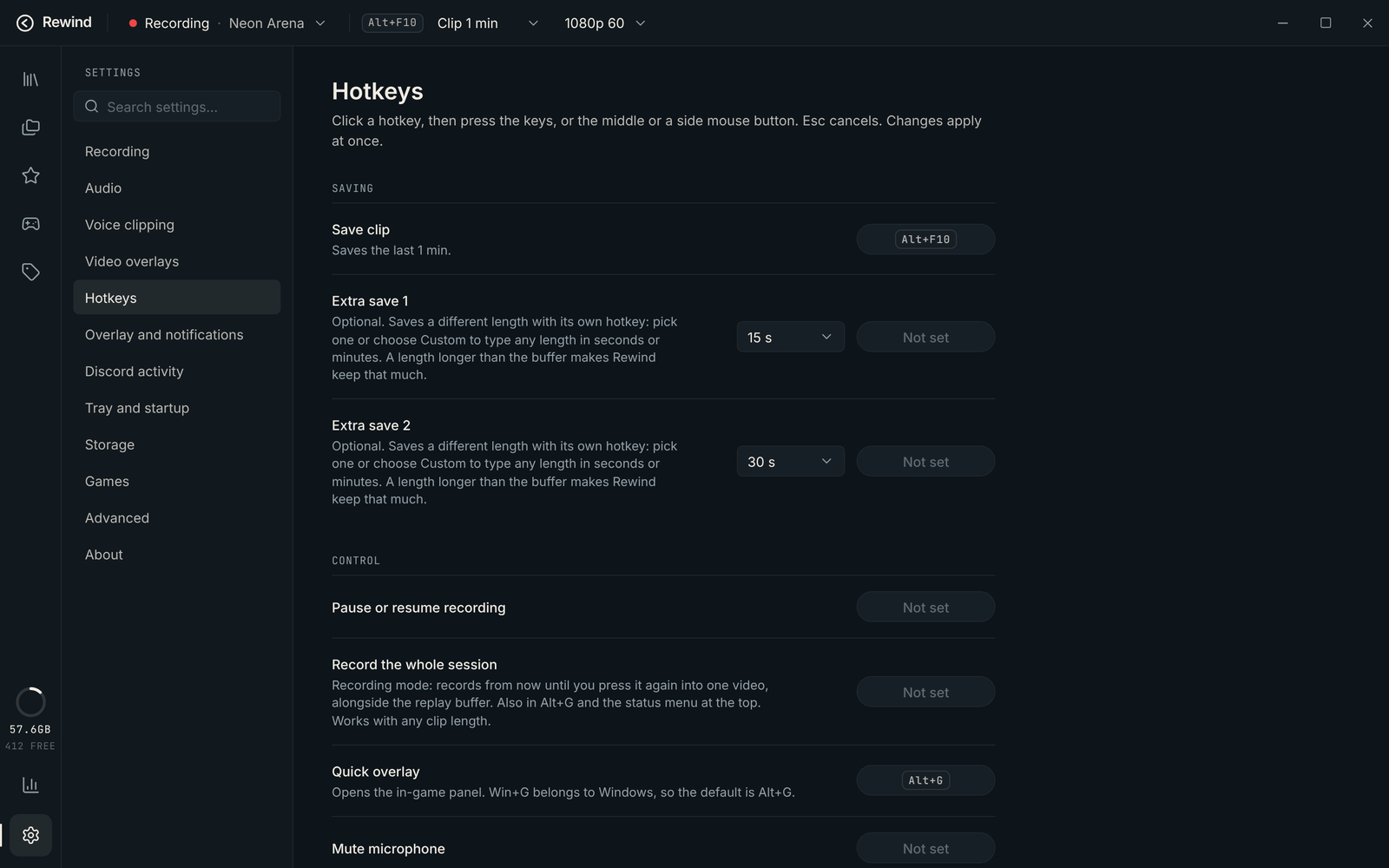
Instant replay
Press one key. The clip is already saved.
Rewind records in the background and keeps the last moments, 10 seconds to 5 minutes, your choice. Clips land in a fast library, sorted by game and date.
Recording in the background
Rewind keeps the last moments of your game in memory, as long as you choose. Press one key and they become a clip. No account, no upload, and light on your frame rate.
Windows · Linux · macOS

Features
Instant replay
Rewind records in the background and keeps the last moments, 10 seconds to 5 minutes, your choice. Clips land in a fast library, sorted by game and date.
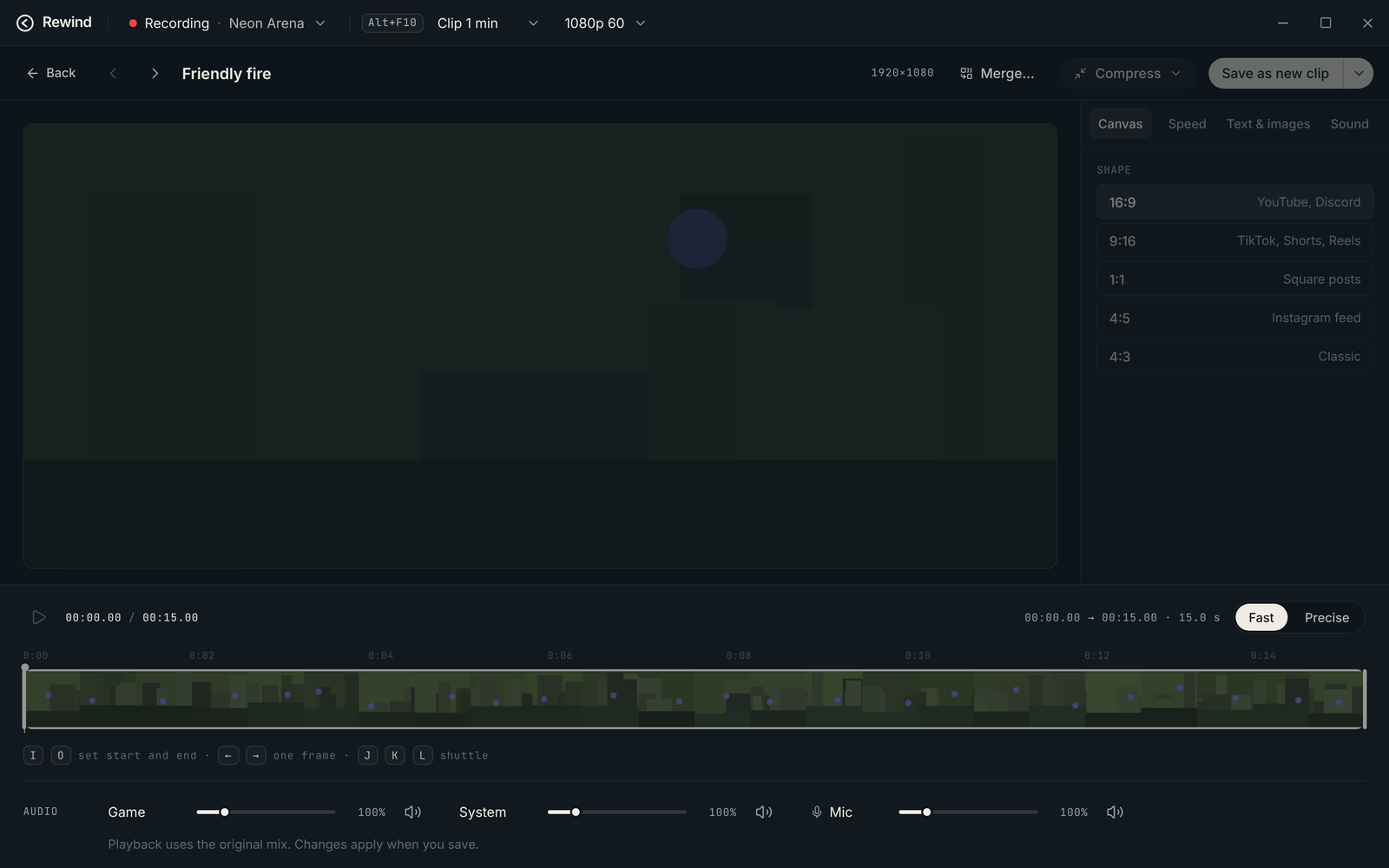
Editor
Trim, crop to vertical for TikTok, change speed, add text or music, merge clips and shrink one under 20 MB for Discord.
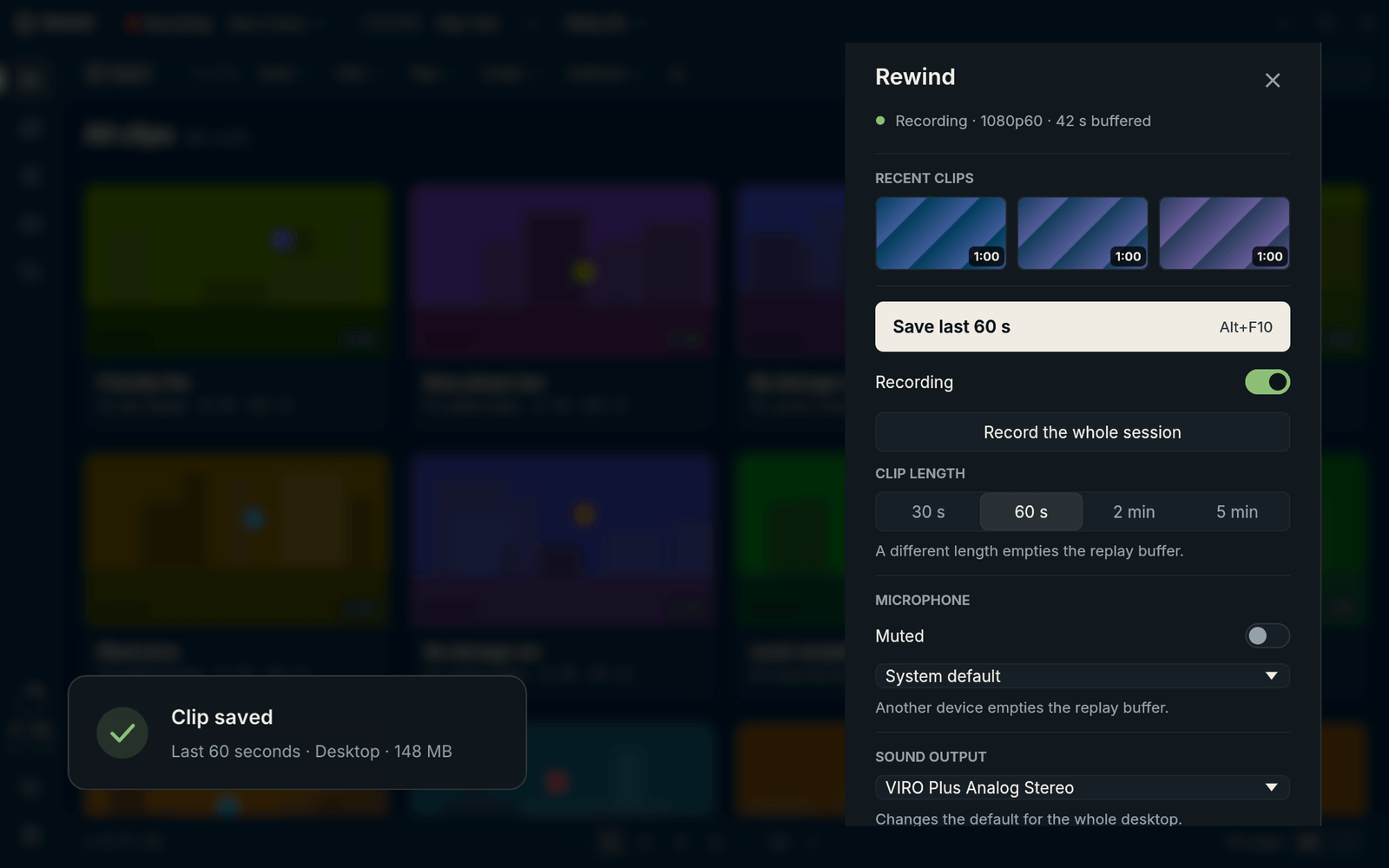
Overlay
Recent clips, a Save button, the recording switch and the microphone mute, over your game and gone when you close it.
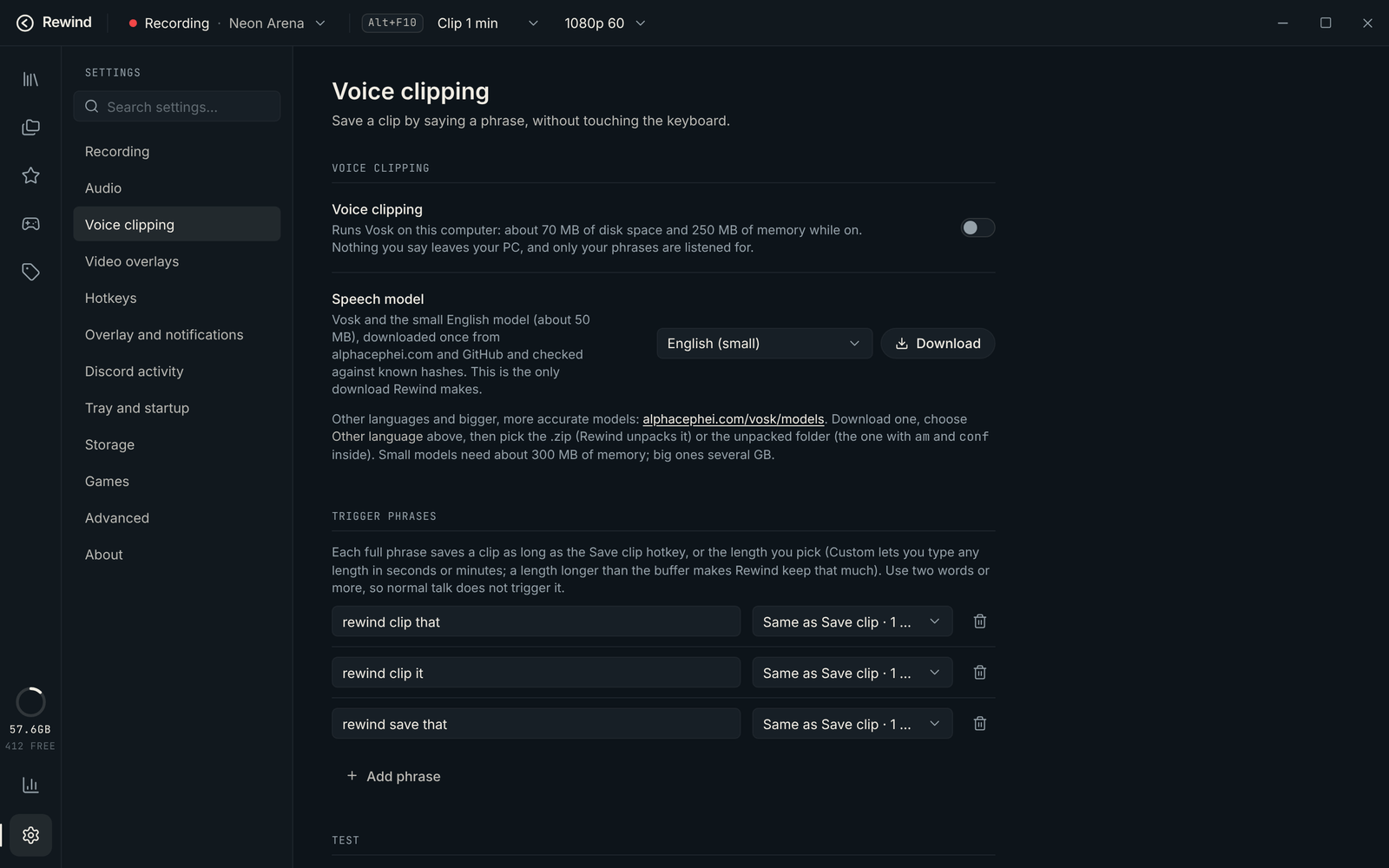
VoiceBeta
Hands-free clipping. Speech is recognised on your PC and never sent anywhere. Off until you turn it on.
Platforms
Installer. Not yet code-signed, so SmartScreen asks once.
Install guidePipeWire, NVENC and VA-API. Packages are not built yet.
Install guideNothing to download yet.
Install guidePrivacy
Performance
Tested on several PCs and graphics cards. It stays out of your game’s way, and you will not feel it running.
Compare
Rewind has no account and no cloud. Clips stay on your disk.
Rewind is built for Linux as well as Windows, with an editor and a library included.
Rewind runs the buffer for you and saves with one key. No scenes to set up.
Pricing
Most features are free, including all the main ones. A one-time Pro licence, not a subscription, unlocks the Advanced editor, higher quality, turning off the watermark and the extras, pay once and every future update is included.
FAQ
Yes. Most features are free, including all the main ones: recording, every audio track, the library, the simple editor, the overlay and voice clipping. A one-time Pro licence, not a subscription, unlocks the Advanced editor, higher quality and a few extras.
It is built to stay light: the buffer holds encoded video and capture goes straight to your GPU’s encoder. We measured about 3 % of one CPU core on a GTX 1080. Your results will differ.
No. There is no account and no cloud. Clips are files on your disk.
NVIDIA, AMD and Intel. Rewind uses the hardware H.264 encoder of your graphics card: NVENC on NVIDIA, VA-API on Linux for AMD and Intel, and the card’s own encoder on Windows.
Yes. On Linux, Rewind uses the PipeWire screen portal and has been tested on Hyprland. X11 works as a fallback.